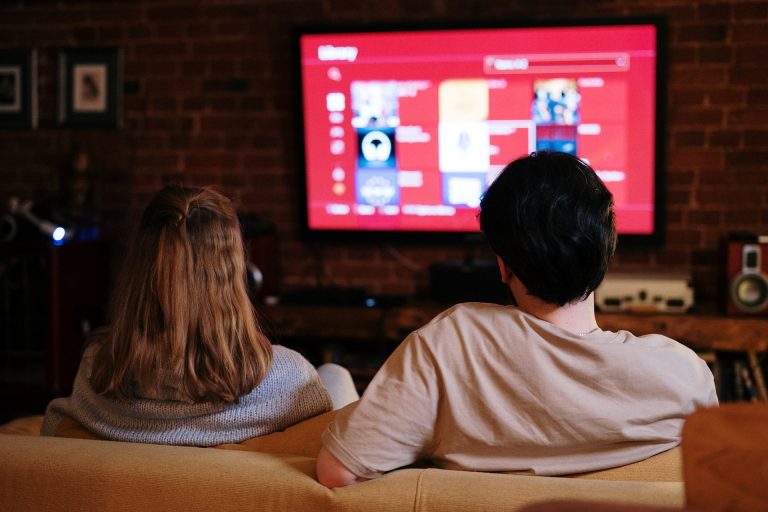
The Amazon Fire TV Stick is a popular streaming device in the USA, and it works with an IPTVRockers subscription. If you already own one, you do not need any extra hardware. This article explains what the setup involves so you can decide whether it is for you.
What you need before you start
- A Fire TV Stick or Fire TV connected to your television and your home internet.
- An IPTVRockers subscription or free trial, and the email we send with your details.
- About fifteen minutes.
The setup in outline
Our full Fire TV Stick guide lists every step. In outline, it works like this:
- Allow the app to be installed. In the Fire TV settings you turn on the option that lets you install an app from outside the Amazon store.
- Install the player app. You use the Downloader app to fetch the STB Emu app, as shown in the guide.
- Create a profile. Inside the app you add a new profile and enter the portal URL from our email.
- Set the device details. You choose the MAG model and enter the MAC address shown in the guide or supplied by us.
- Restart and watch. When you reopen the app and select your profile, the channels load.
The two details that matter most are the portal URL and the MAC address. Almost every setup problem we see comes from a typing mistake in one of them, so enter them carefully.
Getting a steady picture
A Fire TV Stick normally connects over Wi-Fi. For the steadiest stream, keep the router reasonably close, or use an Ethernet adapter for the Fire TV Stick if your Wi-Fi is weak where the TV sits. Restarting the Stick and the router clears many short-term problems.
Try it free first
You can run through the whole setup with the free 24-hour trial before paying for anything. If you then want to continue, plans start at $15 for one month on the pricing page, and our IPTV subscription USA page has more detail for US customers.
Need a hand?
If you get stuck on any step, email [email protected] with the email address you ordered with and tell us which step you reached. We will help you finish the setup.
Try IPTVRockers free for 24 hours
Test the channels on your own device, then choose a plan.
About the author
The IPTVRockers Team writes the guides and updates on this blog. We have provided IPTV subscriptions since 2019, and we use that experience to explain IPTV in plain language: how it works, how to set it up on your device and how to choose a plan.